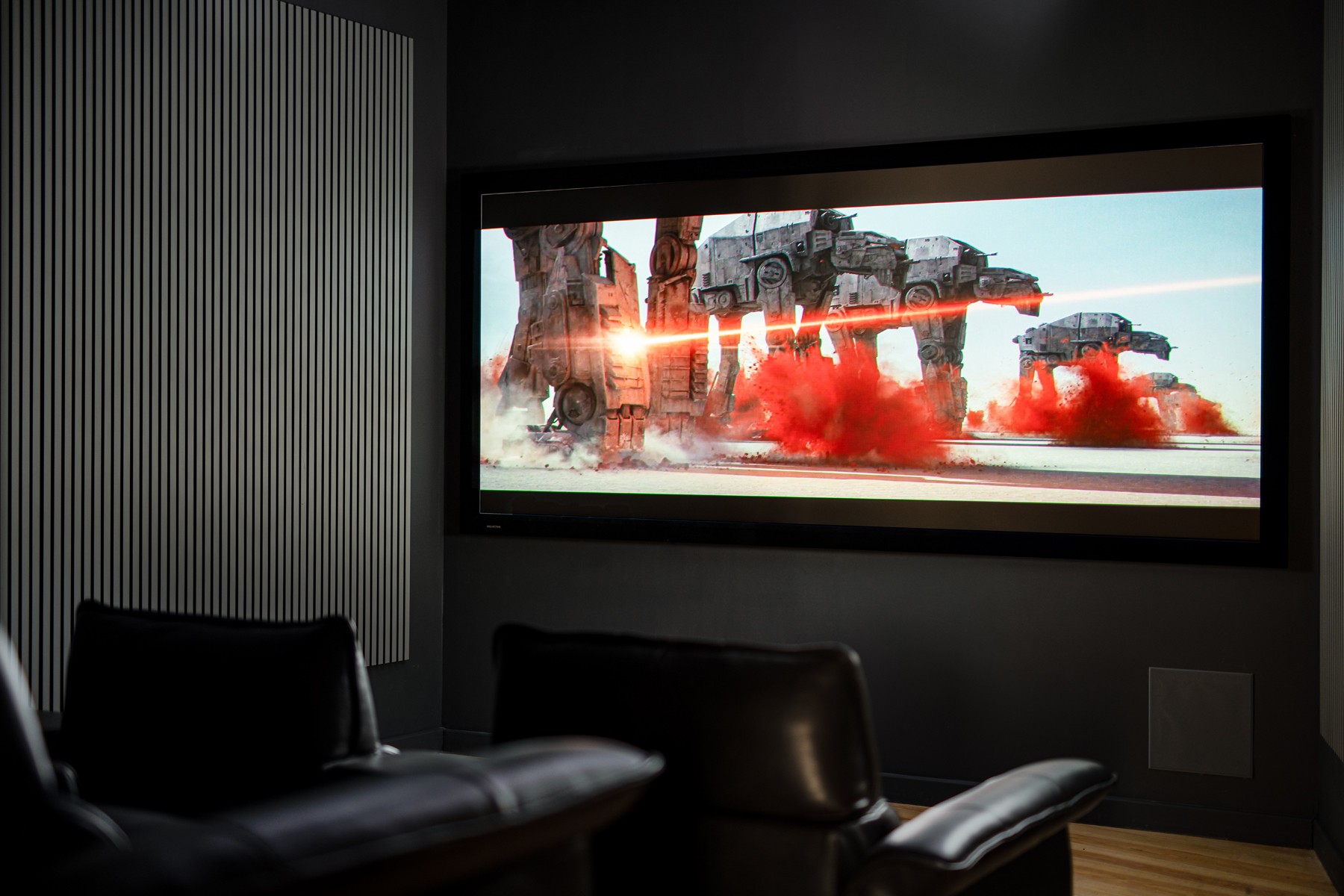

If you’re considering a home cinema setup, you might be wondering exactly how a projector works.The answer is surprisingly straightforward – a projector creates a small image inside the unit, then uses a bright light source and precision lenses to magnify and display that image onto your wall or screen. Think of it as a sophisticated torch that projects pictures instead of just circles of light, transforming digital signals from your devices into room-filling images that bring films and sports to life.
The Core Components That Make Projection Possible
Understanding how a projector works begins with three essential components. First, there’s the light source – this provides the brightness needed to make the image visible across a room. Traditional projectors use high-intensity lamps, whilst newer models feature LED or laser technology that lasts considerably longer.
Next comes the imaging system, which actually creates the picture. This is where different projection technologies diverge, each with its own method of forming images. We’ll explore these differences shortly, as they significantly affect picture quality and price.
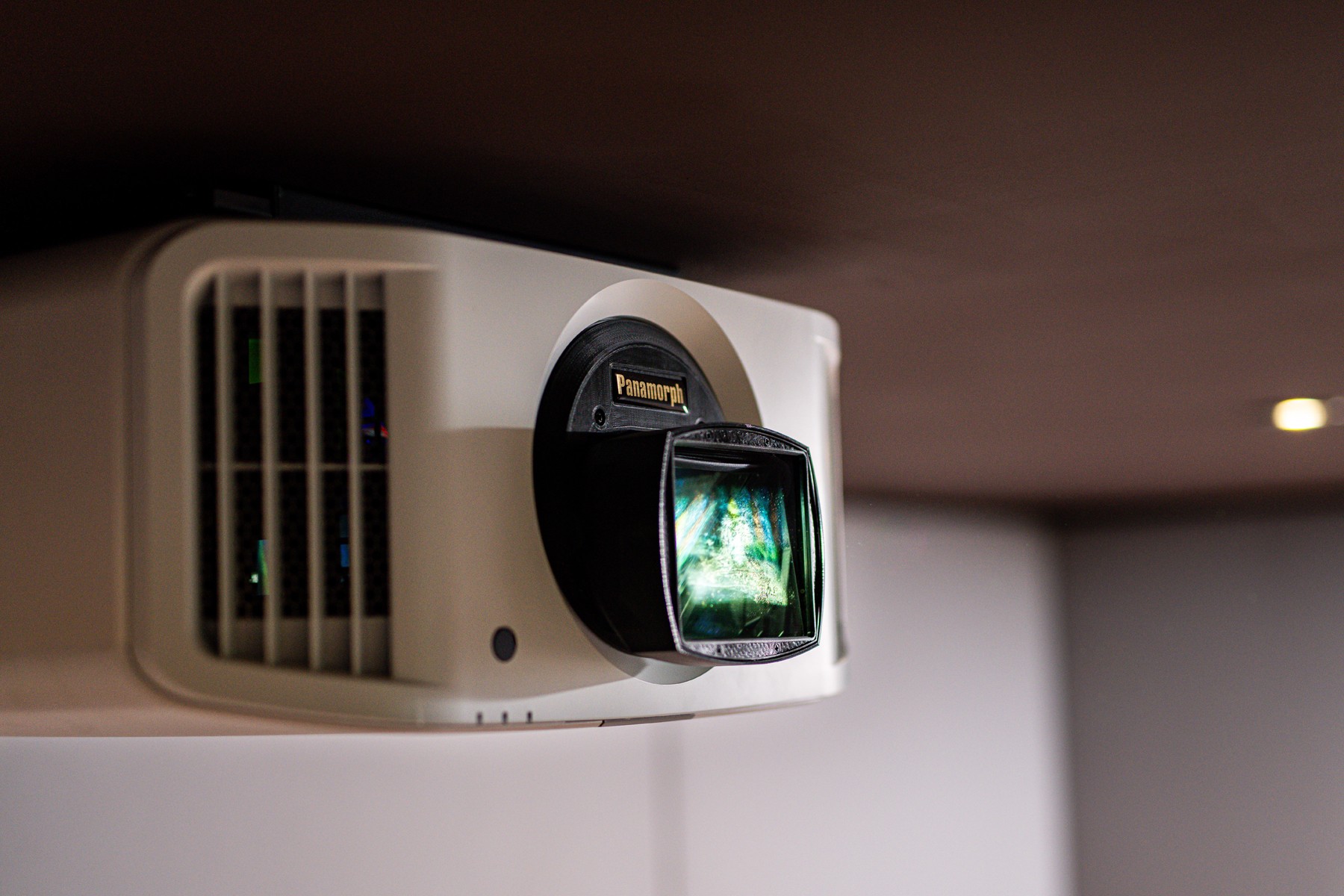
The lens assembly completes the system, focusing and magnifying the small internal image onto your screen. Better lenses produce sharper images with less distortion, particularly important when projecting very large pictures.
How Do Projectors Work? The Three Main Technologies
LCD Projection Technology
LCD projectors split white light from the lamp into three primary colours using special mirrors called dichroic mirrors. Each colour beam passes through its own liquid crystal panel – essentially a tiny transparent screen displaying that colour’s portion of the image. These three separate images recombine into a full-colour picture before the lens projects it onto your screen.
The process happens so quickly that your eyes see a complete, smooth image rather than separate colours. LCD technology produces bright, vivid images that work well in rooms with some ambient light.
DLP Projection Systems
DLP (Digital Light Processing) projectors use an entirely different approach. At the heart sits a chip covered with millions of microscopic mirrors – one for each pixel in the image. These mirrors tilt back and forth thousands of times per second, either reflecting light towards the lens or away from it.
In single-chip DLP projectors, a spinning colour wheel creates the different colours by filtering the white light. The wheel spins fast enough that your brain blends the sequential colours into a full-colour image. Three-chip DLP projectors, used in high-end installations, dedicate a separate chip to each primary colour, eliminating the need for a colour wheel entirely.
LCoS Technology
LCoS (Liquid Crystal on Silicon) combines the best aspects of LCD and DLP. Rather than light passing through liquid crystal panels like LCD, it reflects off them. This reflective approach produces exceptional black levels and contrast that we’d particularly recommend for dedicated cinema rooms.
Sony markets their version as SXRD whilst JVC calls theirs D-ILA, but the underlying principle remains the same. These projectors typically cost more but deliver reference-quality images that rival commercial cinemas.
The Journey from Signal to Screen
To fully grasp how a projector works in practise when you press play on your streaming device or Blu-ray player, digital video signals travel through HDMI cables to the projector. The projector’s processor interprets these signals, converting them into instructions for the imaging chips.
The light source springs to life, sending bright light through or onto the imaging system. As the imaging chips create each frame of the video, the lens projects it onto your screen. Modern processors handle this at 60 frames per second or higher, ensuring smooth motion even during fast-paced sports or action films.
Understanding Throw Ratios and Positioning
The relationship between projector placement and image size depends on the throw ratio. Standard projectors need approximately 3 metres distance to create a 100-inch diagonal image. Short throw projectors achieve the same size from half that distance, whilst ultra-short throw models sit just centimetres from the wall.
This flexibility means there’s a projector for virtually any room layout. We’ve installed ultra-short throw projectors in compact Victorian terraces and long-throw models in converted barn conversions, each chosen to suit the specific space.
Resolution and Image Quality Factors
Resolution determines how much detail your projector can display. Full HD (1920×1080 pixels) remains perfectly adequate for most viewing, especially on screens under 100 inches. However, 4K projectors (3840×2160 pixels) reveal finer details and create more lifelike images on larger screens.
Brightness, measured in lumens, affects how well the image performs with ambient light. Dedicated cinema rooms with full light control work beautifully with 1,500-2,000 lumens. Multi-purpose living spaces need 2,500-3,500 lumens to maintain picture quality when you can’t achieve complete darkness.
Contrast ratio influences how deep the blacks appear and how much shadow detail you’ll see in darker scenes. Higher contrast ratios create more cinematic images with greater depth and dimensionality.
Are Projectors Better Than a Television?
Choosing between a projector and television depends on your priorities and viewing environment. Projectors excel at creating immersive experiences with screen sizes that would be more expensive with televisions.
Televisions offer advantages too. They’re brighter for daytime viewing, switch on instantly, and don’t require a darkened room. Picture quality remains consistent regardless of ambient light. However, even the largest televisions can’t match the sheer scale and cinema atmosphere that projectors create.
We’d suggest projectors for dedicated cinema rooms or large open-plan spaces where you want flexibility. Televisions suit everyday viewing in bright rooms. Many of our clients choose both – a television for casual viewing and a projector for special film nights.
Installation and Screen Considerations
Proper installation maximises your projector’s potential. Ceiling mounting provides the cleanest aesthetic and prevents anyone walking through the light beam. The projector should sit perpendicular to the screen, avoiding the need for keystone correction which can degrade image quality.
Screen choice significantly impacts the final image. Fixed-frame screens provide the flattest surface for optimal sharpness. Motorised screens disappear into the ceiling when not in use, preserving your room’s daytime appearance. Even a properly prepared white wall can work, though dedicated screens reflect more light back to viewers and maintain better colour accuracy.
Professional installation ensures optimal positioning and discrete cable management. In listed buildings throughout Bath, we’ve developed techniques for running cables that preserve original features whilst delivering modern performance. Sometimes this means routing through existing ceiling voids, other times using period-appropriate decorative trunking.
Making the Right Choice for Your Home
Modern projectors have evolved into reliable, high-performance devices suitable for any home. The technology continues advancing, with laser light sources now offering 20,000+ hour lifespans and 4K resolution becoming increasingly affordable.
Consider your room’s characteristics carefully. Can you control lighting? How far can the projector sit from the screen? What content will you primarily watch? These factors guide the choice between different projection technologies and specifications.
With over 60 years serving Bath and the South West, we understand both the technical aspects and the importance of sympathetic installation. The right projector transforms ordinary rooms into extraordinary entertainment spaces, delivering experiences that bring families together for film nights and sporting events on a scale televisions simply cannot match.